

Resend a mass email to non-openers
Locate the resend-to-non-openers action for a sent mass email in Campium and understand how it targets recipients who have not opened the original message.
Resend a sent email to non-openers
Resend a mass email from Communications to only the recipients who have not opened the original message.
Non-openers are recipients who received the original email but have not opened it yet based on Campium's email tracking. An automatic mailbox image prefetch right after delivery (common with Gmail) is not counted as an open, so those recipients still appear as non-openers until they actually open the message.
Steps to resend to non-openers
Open your sent email
-
Go to Communications → Emails or Communications → Mass Emails.
-
Find the sent email you want to resend in the list and click to open its details.
Use the non-openers link
-
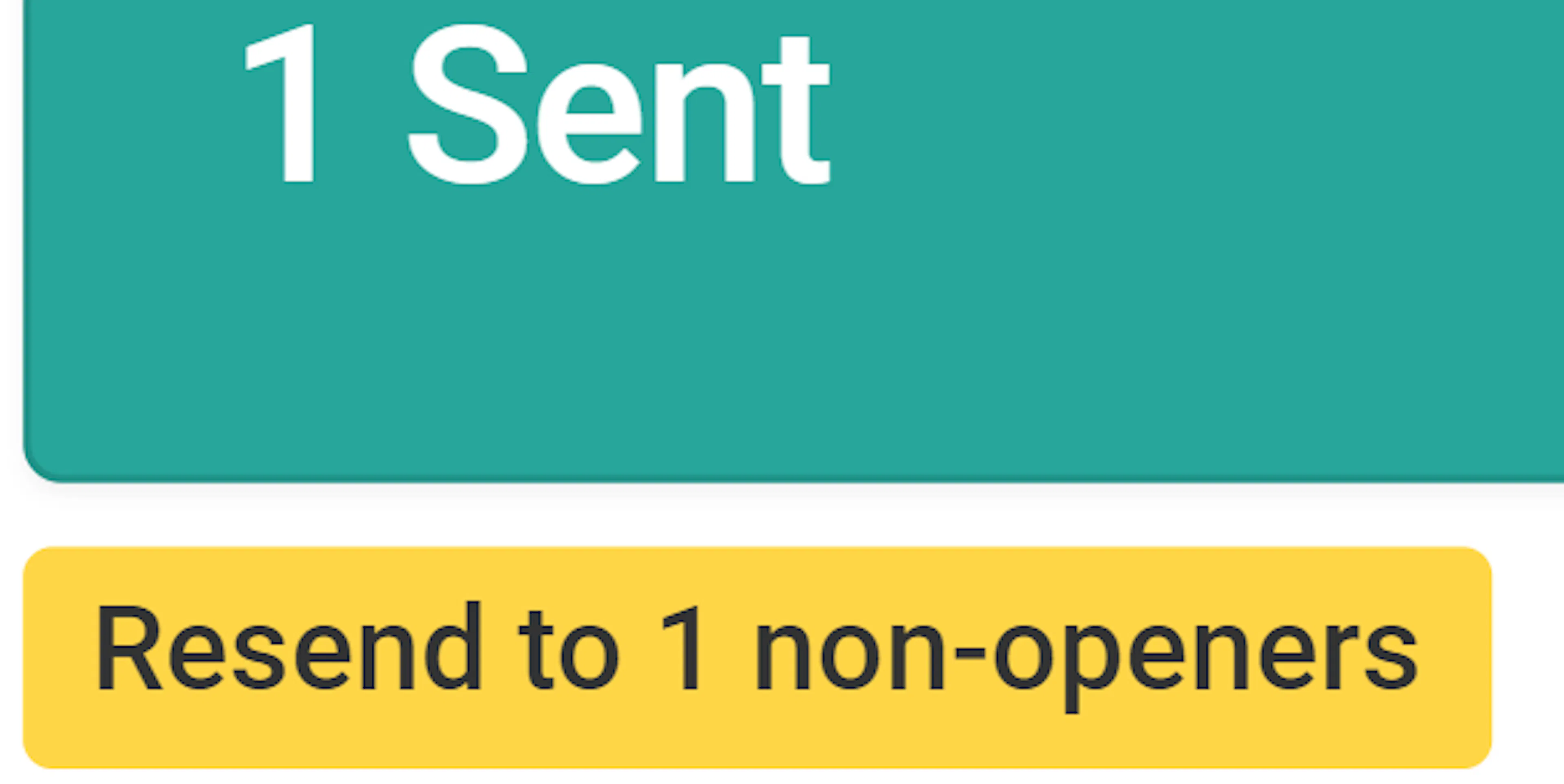
Under the Messages Sent count, look for the yellow link that reads Resend to X non-openers (for example,
Resend to 5 non-openers). -
Click this link and confirm that you want to send the email again to all non-openers.
Delivery after confirmation
-
After you confirm, Campium queues the resend emails.
-
The messages are sent shortly to all recipients who have not yet opened the original email.
Notes
-
The Resend to X non-openers link appears directly under the Messages Sent total on the email detail screen.
-
The number in the link text (
X) matches how many recipients have not opened the email yet. -
The resend goes to all current non-openers for that email; you do not need to build a separate list.